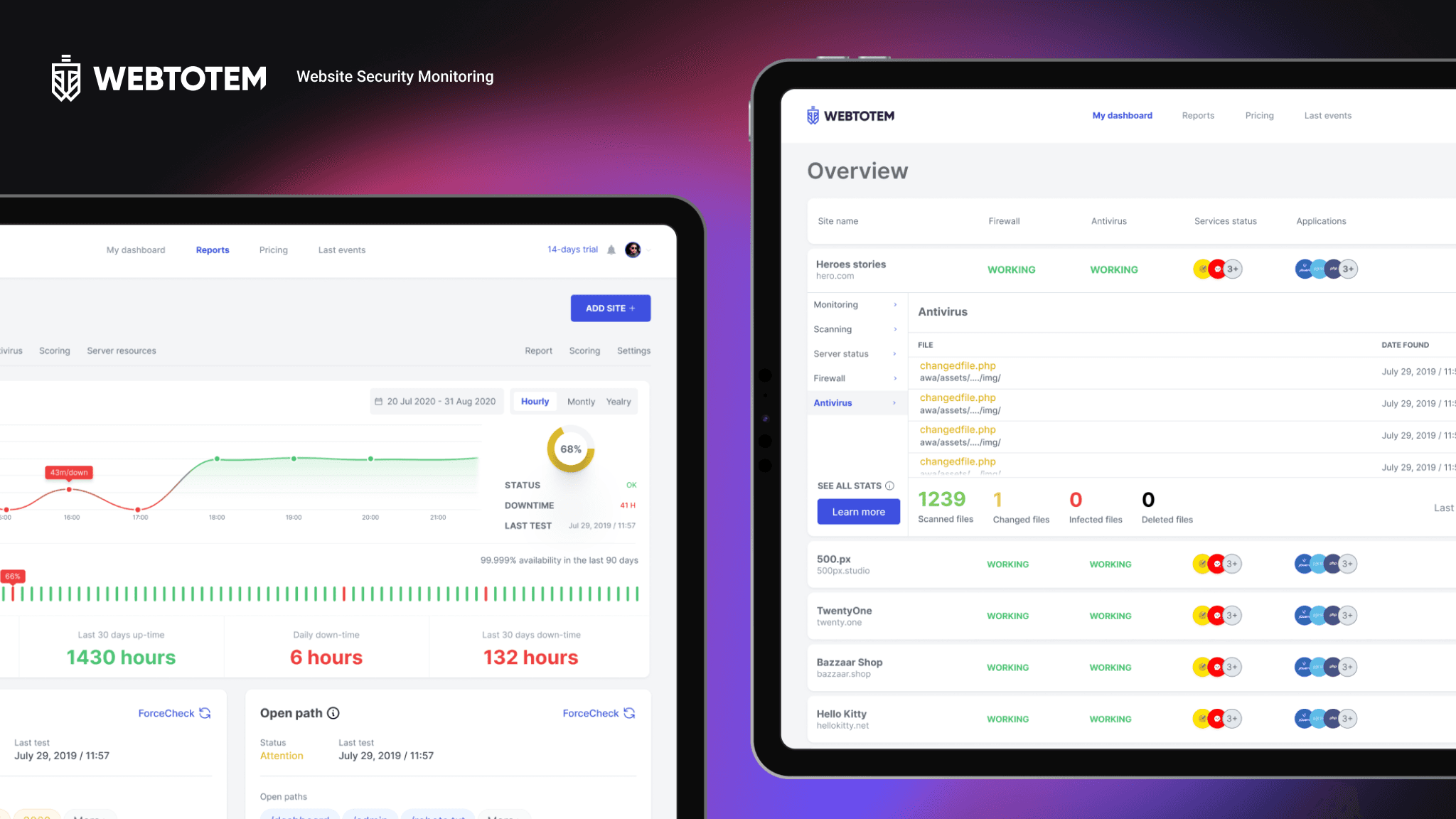
As part of the SuperApp development, I designed the Family Plan section to simplify user interaction with creating family group.
Goal
Solution
Over 30 different scenarios were designed in this project, with the key solution being a simplified group creation flow.
Family page
We placed the single entry point to the family group on the main page, in the “Available” section.

Adding a member
Besides member numbers, you can also add a router and smart devices. In MVP-2 we are designing integration with a child profile


Inviting a subscriber
If the subscriber is on our activ mobile network, they receive a confirmation to join the group on their first app launch. The user can accept, decline, or simply review the plan. When switching, we warn them that their plan will be changed.

What we ended up with
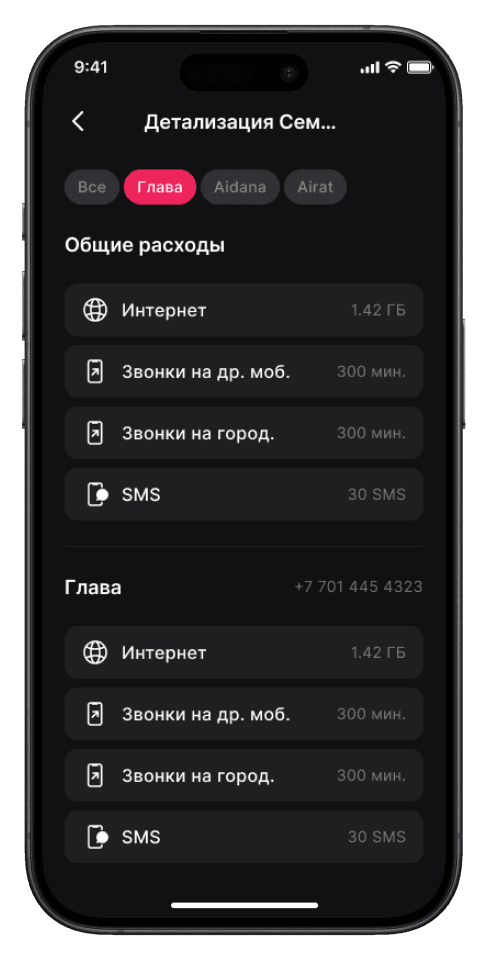
A very simple yet convenient group management page, along with a usage breakdown where the group owner can track each member’s consumption.

Plan card
The plan card was fully redesigned — available data is now displayed more clearly. Switching between plans is done via chips. Higher-tier plans include perks such as Yandex Plus, cashback, and more. The image on the left shows the old plan card.